
How to activate your tag
Download the app, open your pet, then scan the MeePaw tag.
Open MeePaw



-
Download or log in
Download or log in to the app by visiting meepaw.ph.
-
Register if you need an account
Register if you do not have an account yet.
-
Create your pet profile
Add the pet who will wear the tag.
-
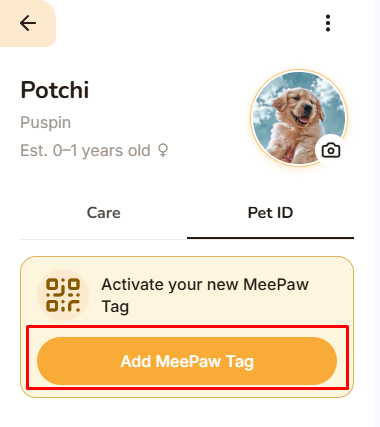
Open the pet profile
Open the pet profile where you want to link the MeePaw pet tag.
-
Tap Add MeePaw Tag
Tap Pet ID, then tap Add MeePaw Tag.
-
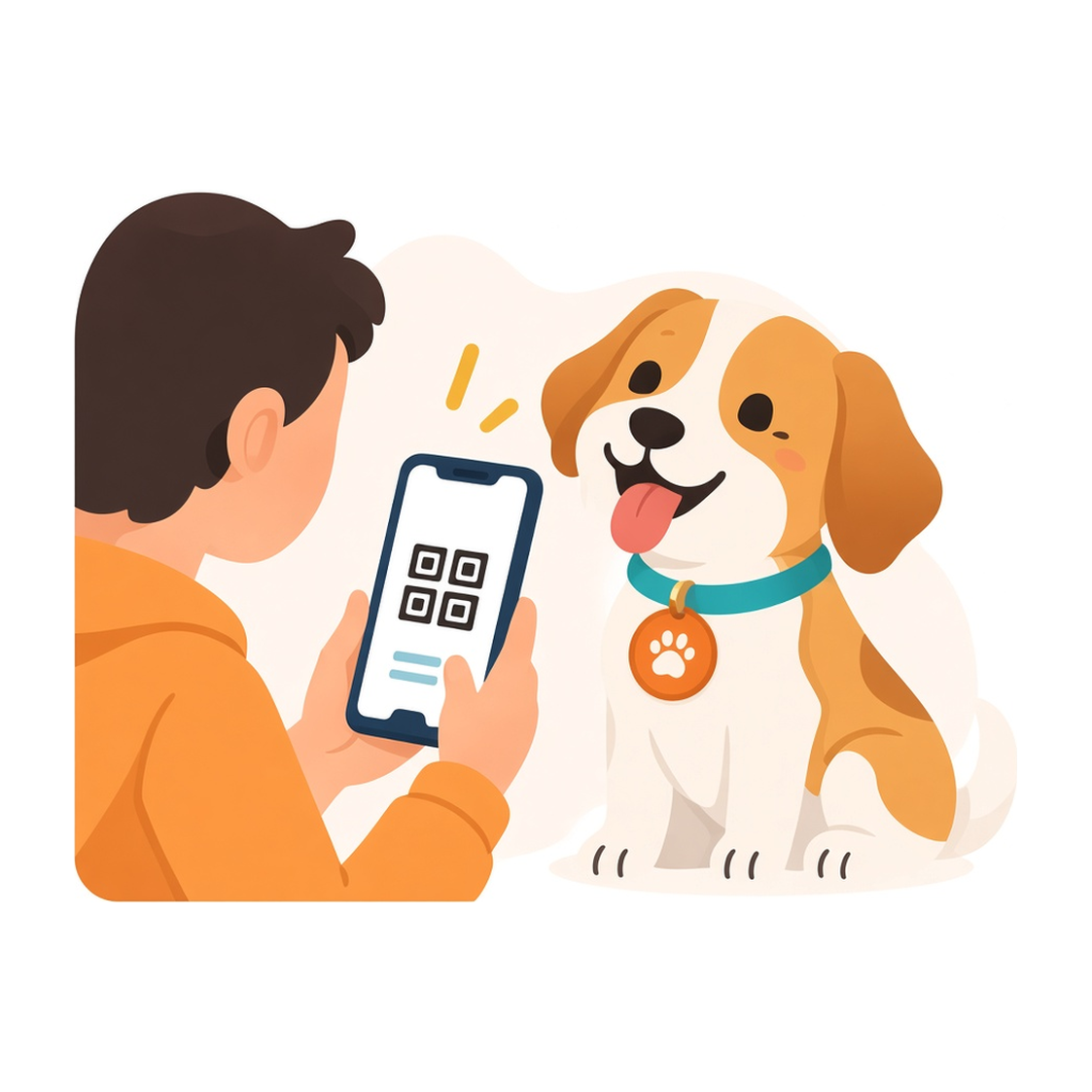
Scan the MeePaw tag
Point the camera at the QR on the physical collar tag.
-
Your tag is linked
Anyone who scans the MeePaw tag can open that pet’s public profile.
Open the app and link the tag
Activation happens in MeePaw, on the pet who will wear it.